Presentations
How an Exatom deck looks and how you make one with AI. Every rule lives in one file on this site, so a deck comes out in the Exatom style and everyone always works from the latest version.
Start a deck now
One click opens Claude Code or ChatGPT with the right prompt already in it. The AI reads the latest rules, asks what you need and builds the deck.
Start in Claude opens Claude Code in the Claude desktop app with /design in front of the prompt, so the deck is built as slides on a canvas. Press Enter to start. No desktop app? Open Claude Code in the browser.
The promptI want to make an Exatom presentation. First open and read these three files in full, then follow them exactly: https://exatom-brand-guidelines.vercel.app/presentations.md (the deck rules), https://exatom-brand-guidelines.vercel.app/deck-kit.md (the slide templates, images and logos to build with) and https://exatom-brand-guidelines.vercel.app/brand-guidelines.md (colours, type, logo, team line drawings). Do not design anything yet. Ask me what kind of deck it is (sales deck, pitch or client status meeting), who presents it and to whom, and which material I have (an old deck, notes, the client's logo and screenshots). Then build the deck slide by slide at 1920 x 1080, starting each slide from the matching template in the deck kit.
Download the rules
The three files an AI needs for an Exatom deck: the rules, the brand and the kit to build with. All are always the latest version.
All three as one Claude skill
The three files, the slide templates and the images in one package. Install it once in Claude (Settings, Capabilities, Skills, Upload skill) and Claude uses it whenever you ask for an Exatom deck, fetching the latest rules each time.
Making a deck in Claude
From an old deck or a few notes to a finished Exatom deck. In a Design, Claude builds each slide as a 1920 × 1080 artboard on a canvas, where you can review and comment.
Start with one click
Use Start in Claude or Start in ChatGPT at the top of this page. Start in Claude opens Claude Code with /design, the Design template; the prompt makes the AI read the latest rules and the deck kit first. Working another way? Copy the prompt, or attach the three downloaded files.
Press Enter and answer the questions
The prompt is filled in but not sent, so you can still add to it. In Claude Code, /design gives you slides on a canvas. Typing it yourself works too: start a new session in Claude Code, type /design and paste the prompt.
Add your material and say what the deck is
An old .pptx or PDF, an outline or meeting notes. For a client deck also the client's logo, a photo of the client, screenshots of their real forms and the dashboard exports you want to show. Say whether it is a sales deck, a pitch or a status meeting, who presents it and to whom.
Review on the canvas
Every slide is its own artboard. Comment on a slide or tell Claude what to change ("take the results wall from the pitch deck", "make the client logo white"). Small text edits you can make directly in the canvas.
Share or export
Share the canvas from its Share menu, or export the slides to present. The canvas stays private until you share it.
What a deck looks like
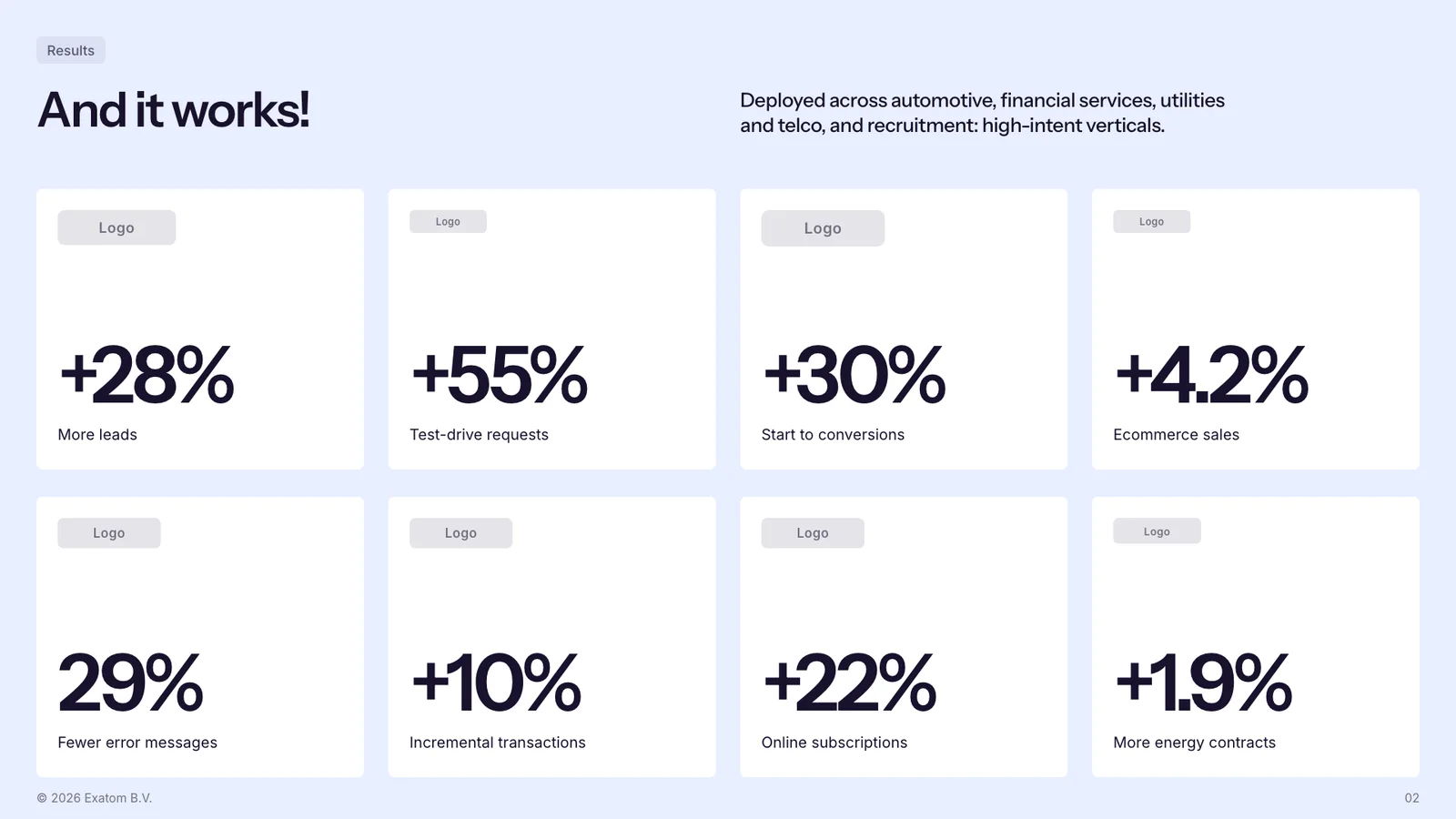
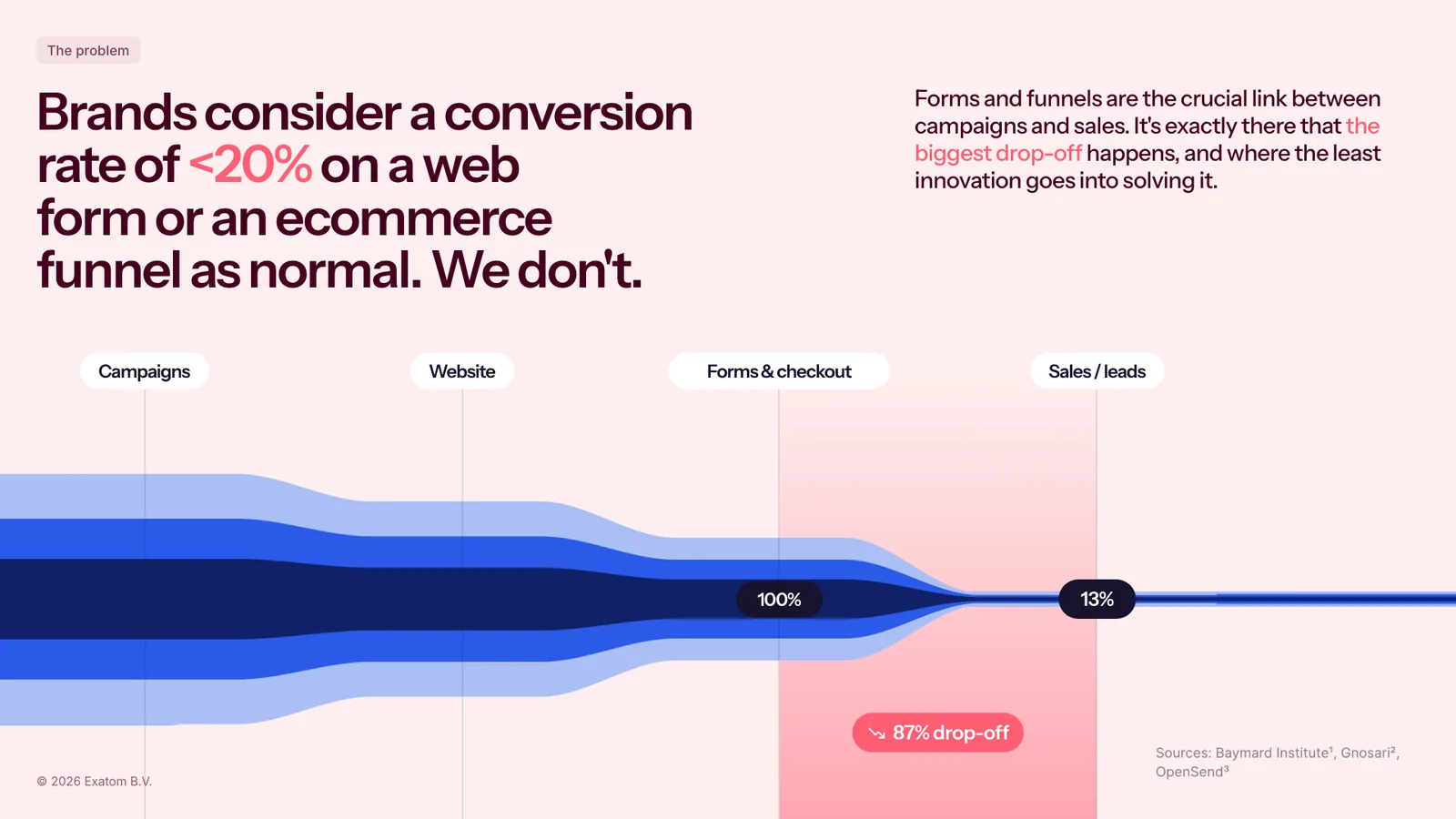
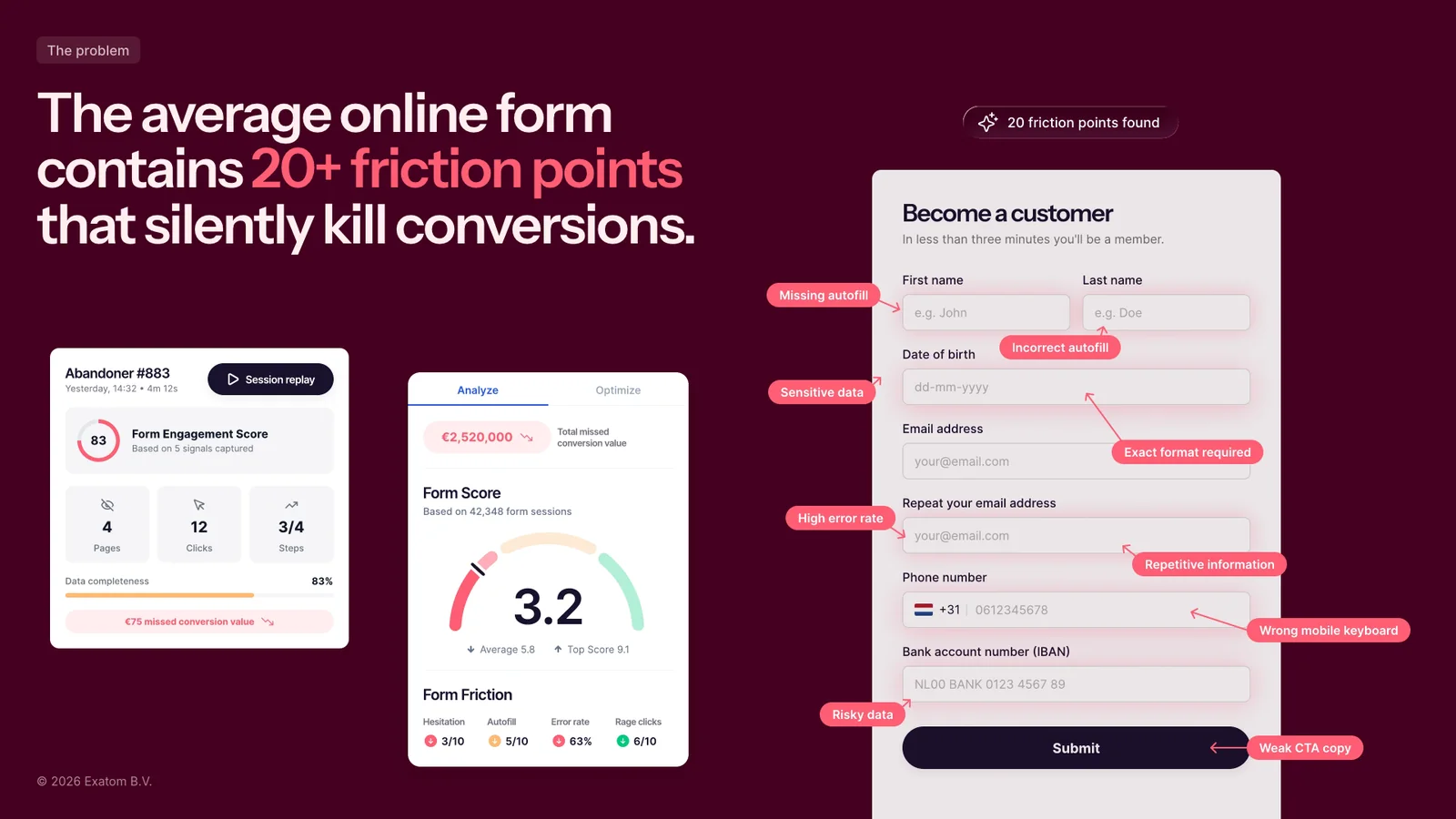
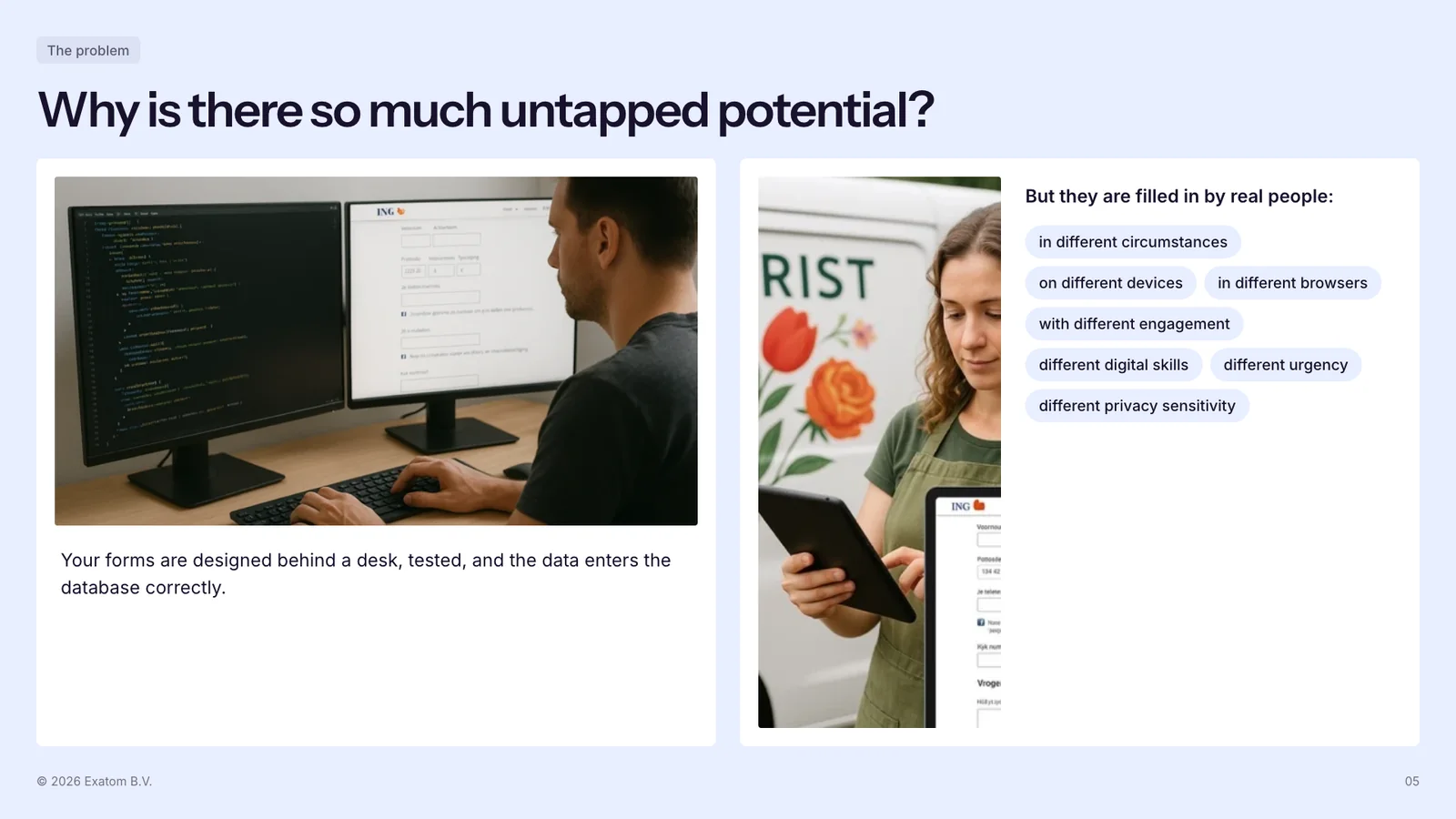
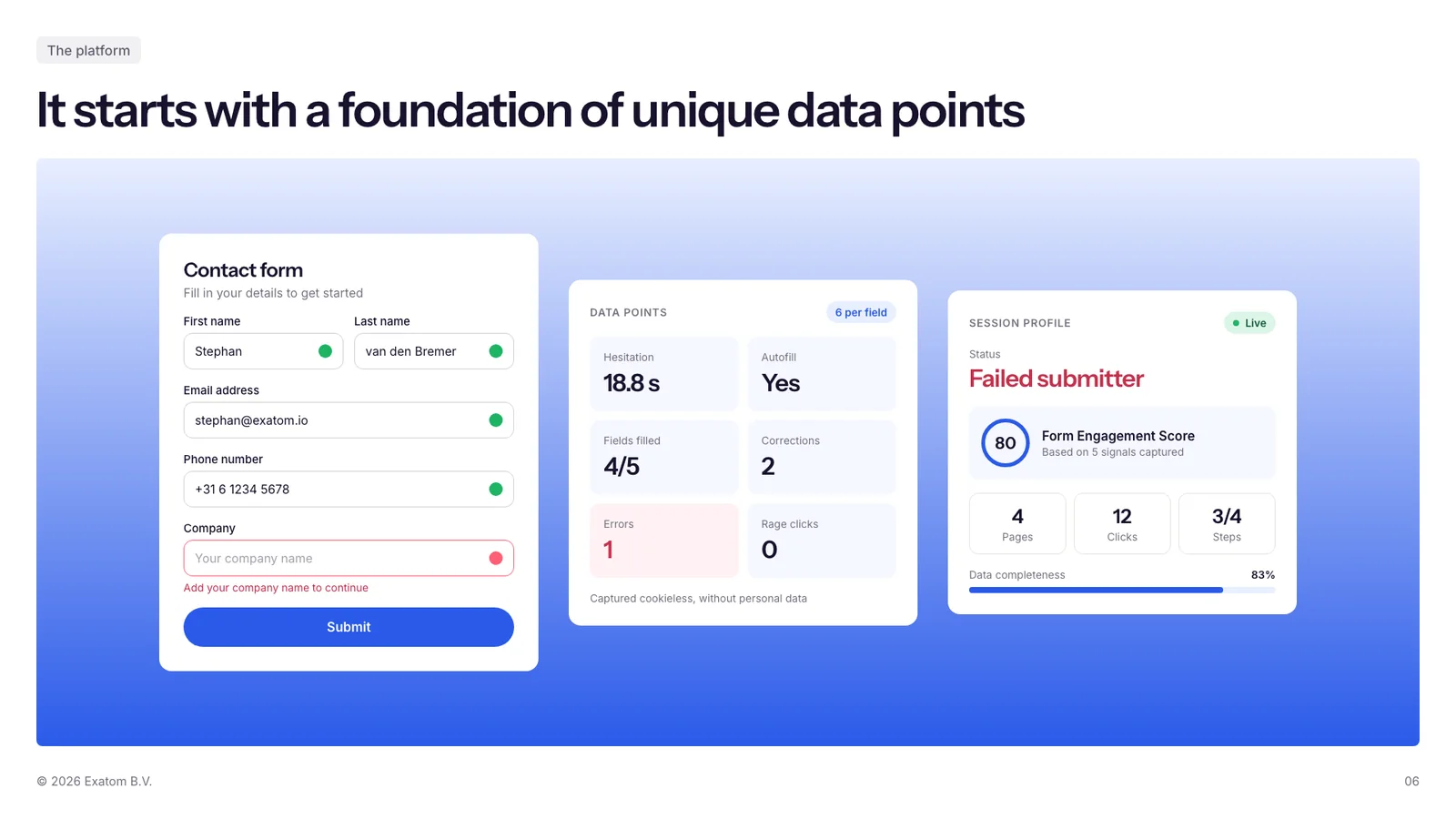
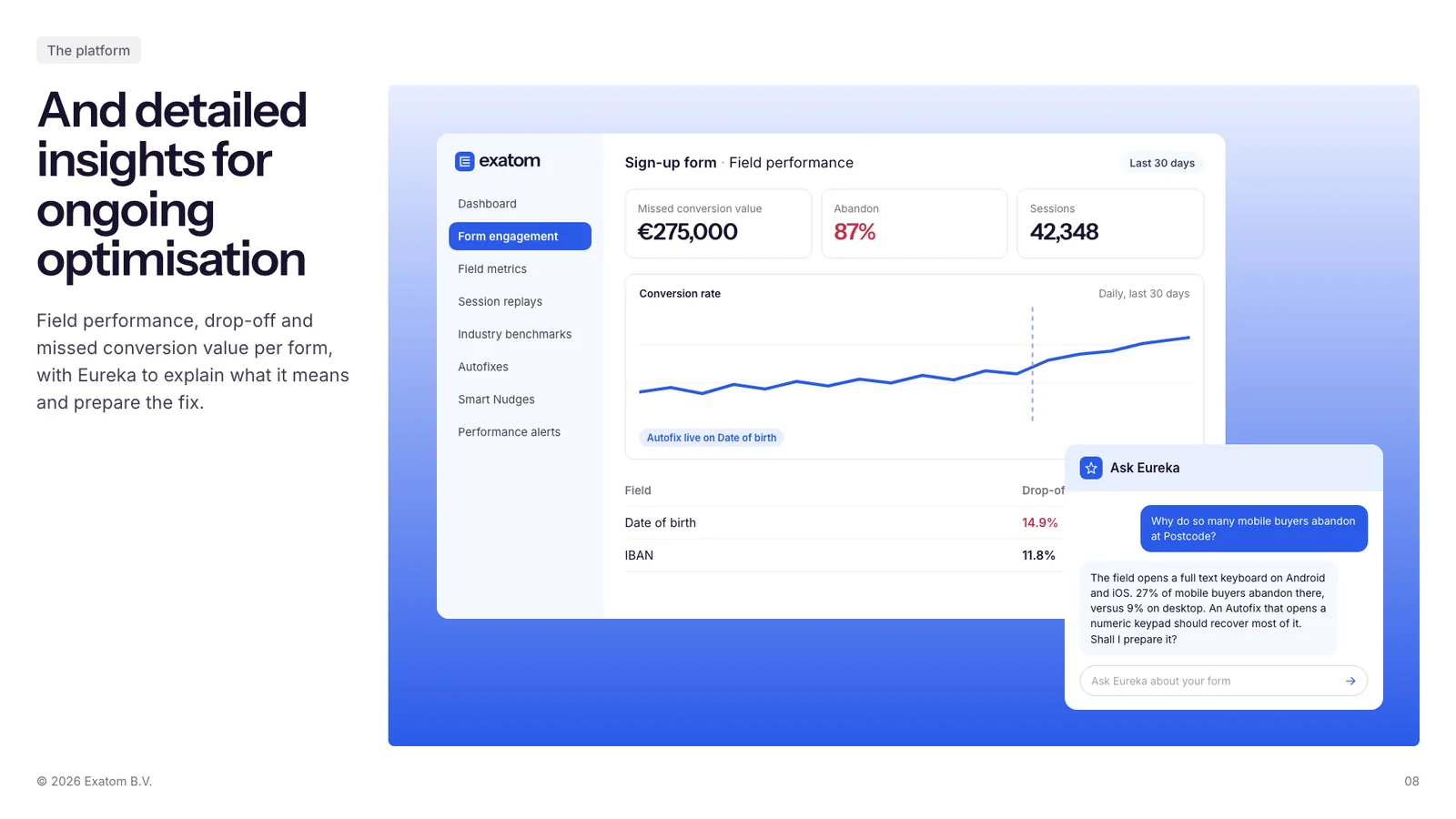
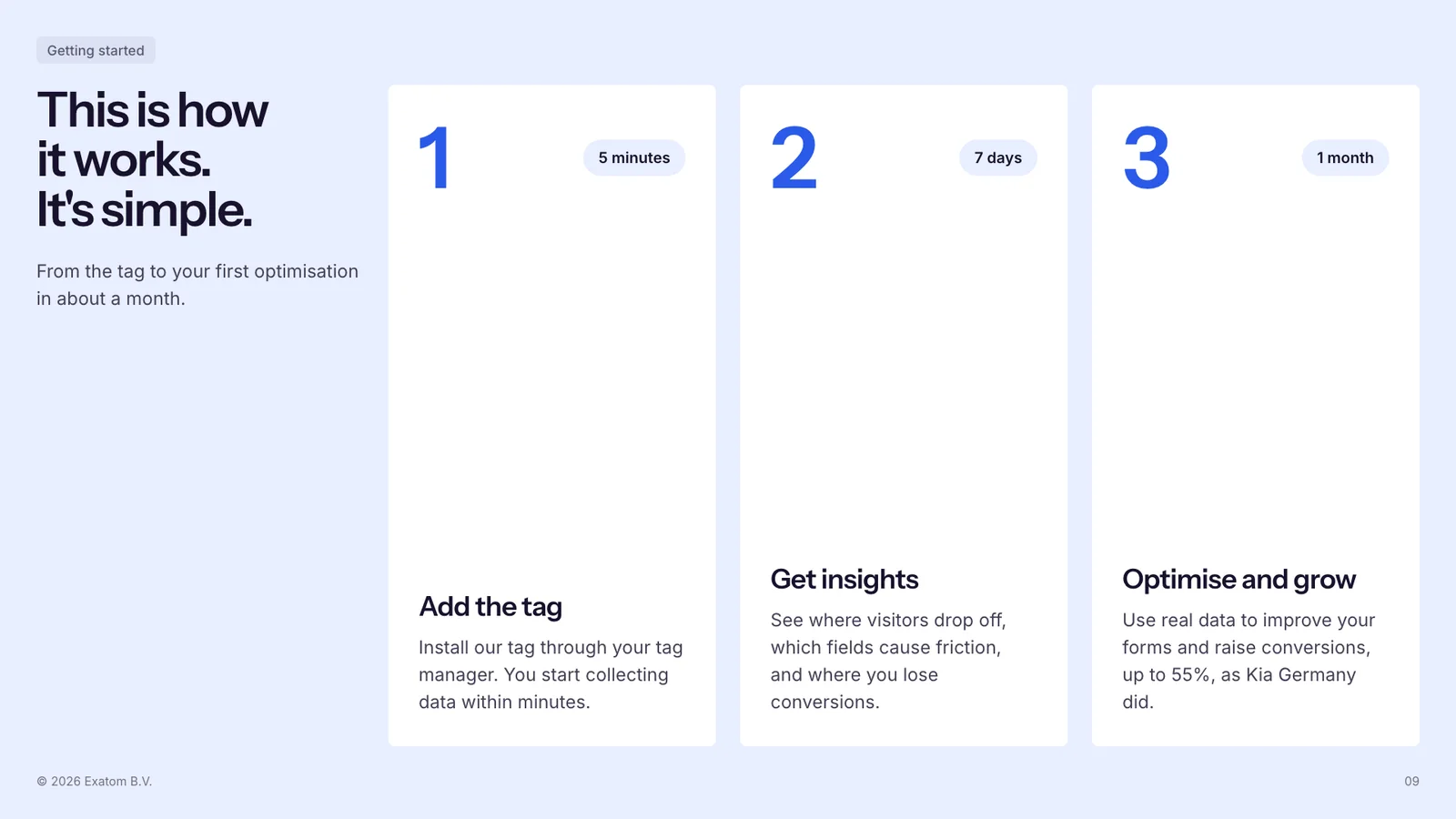
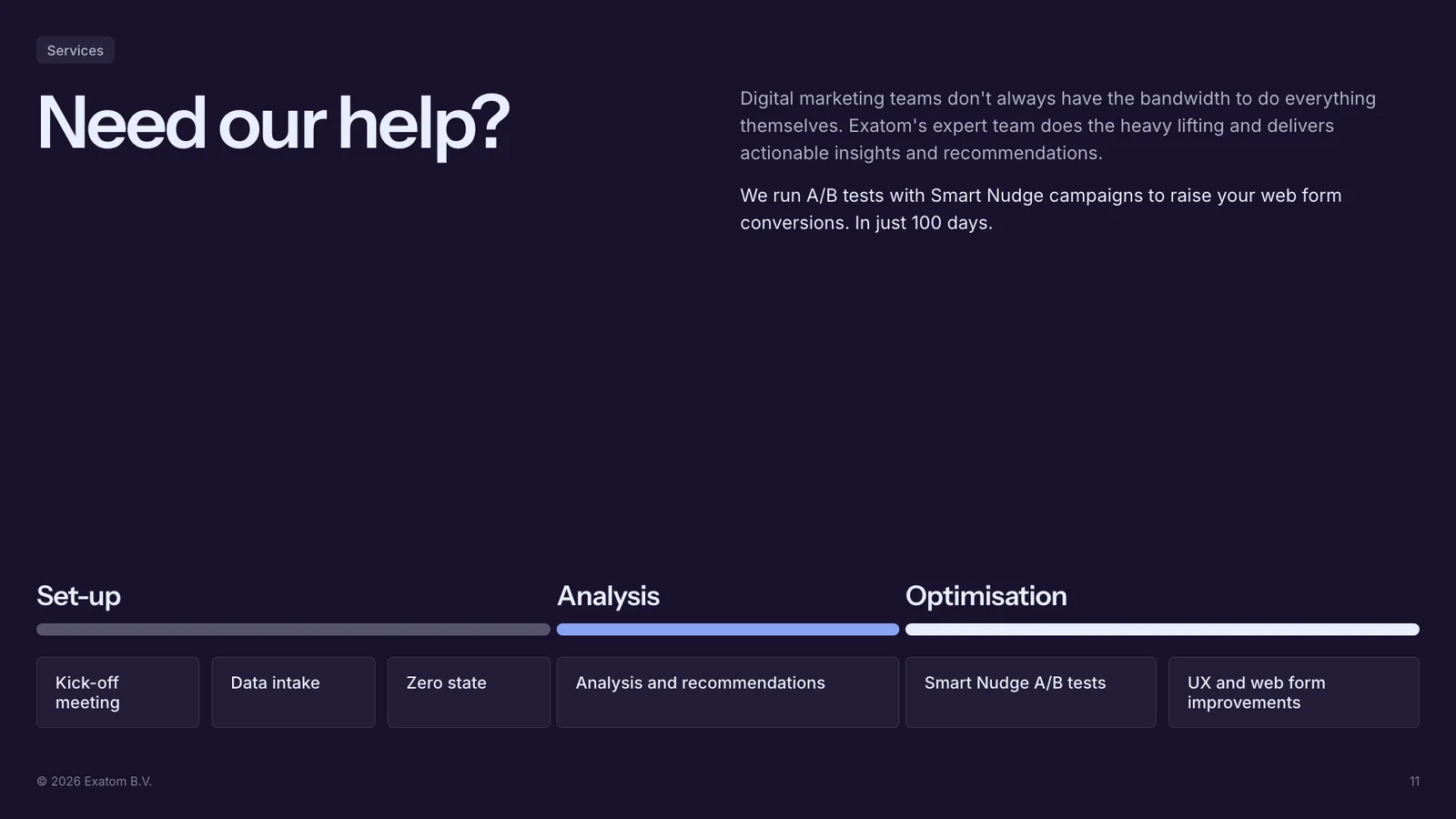
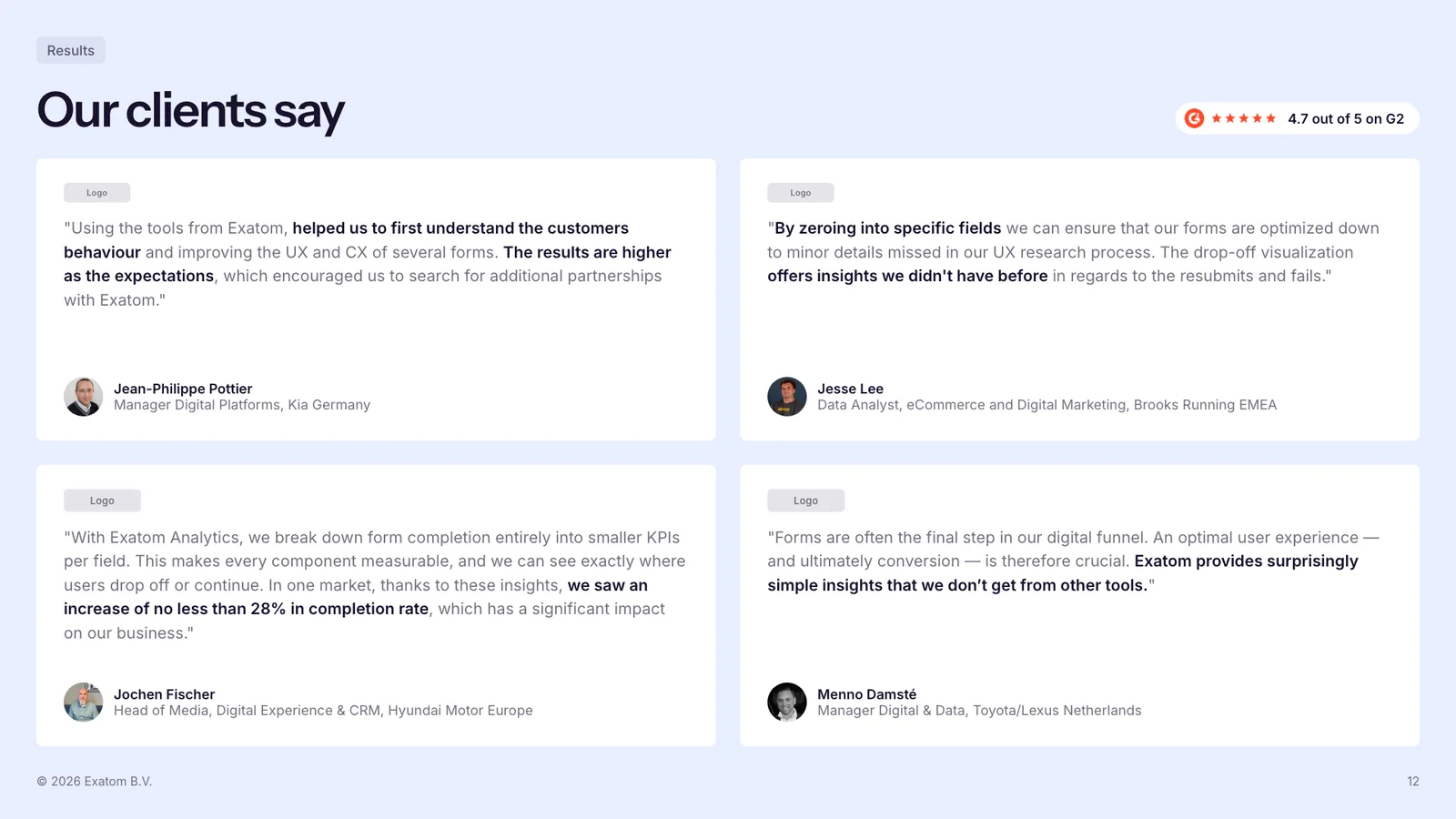
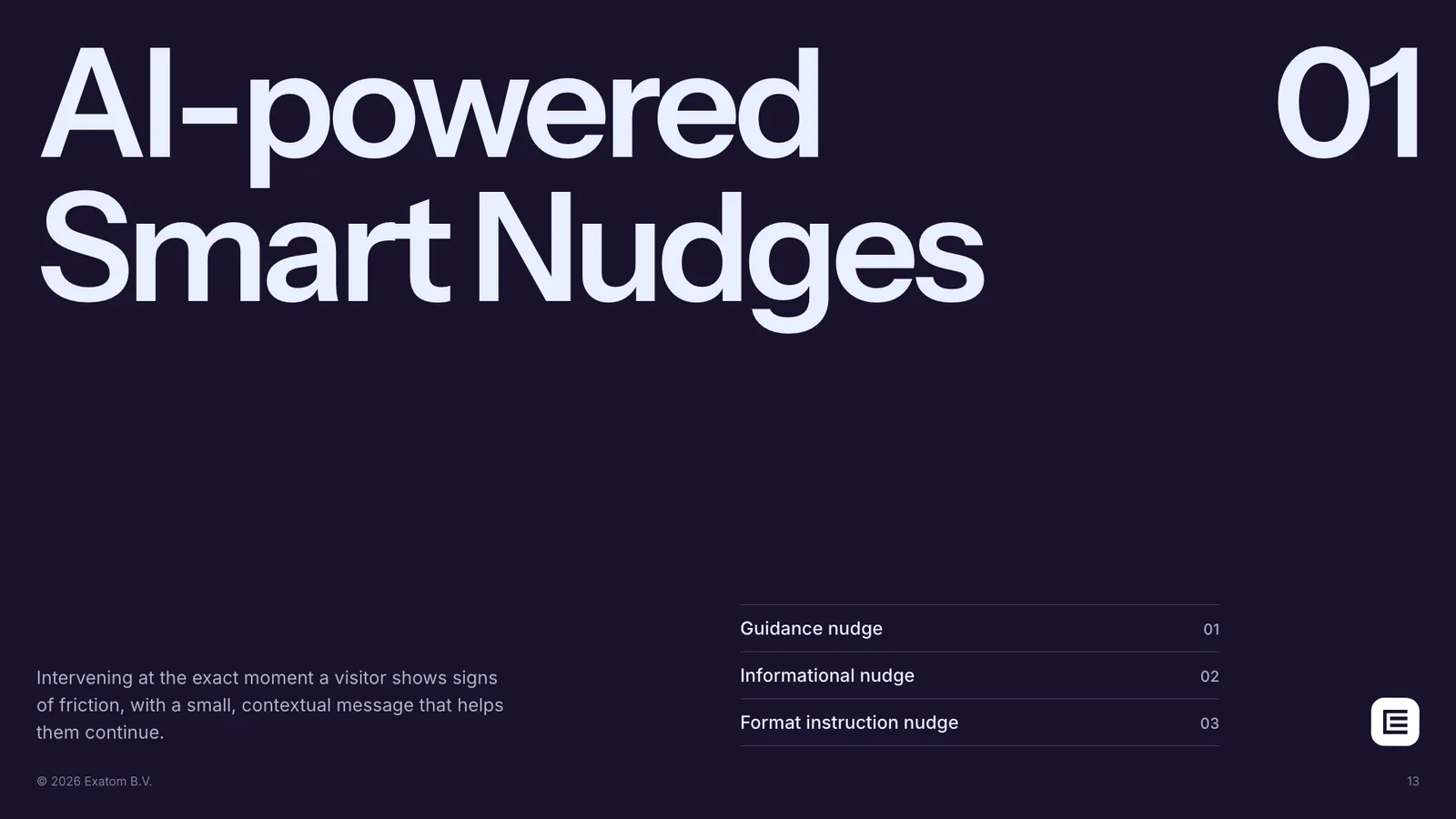
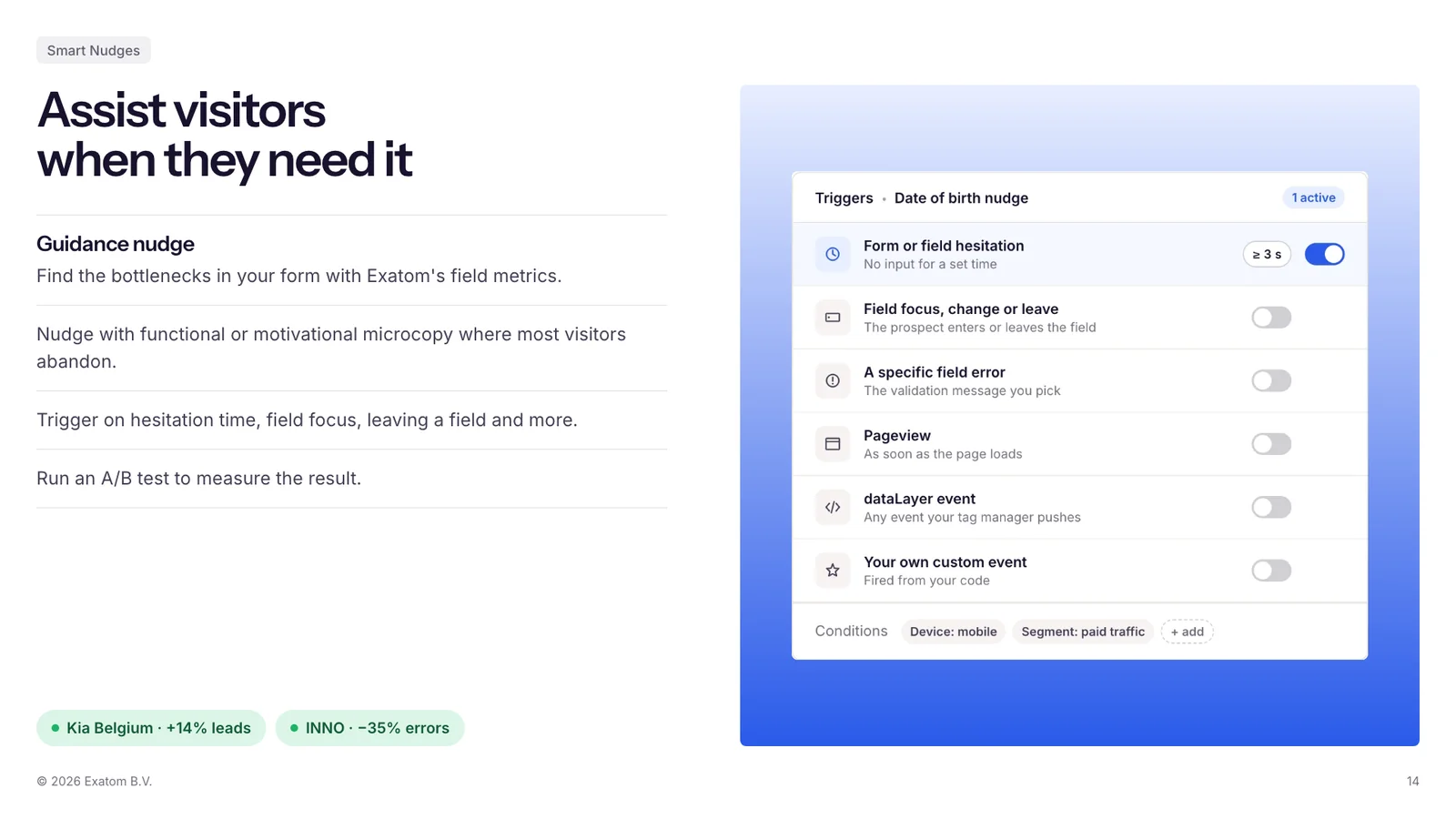
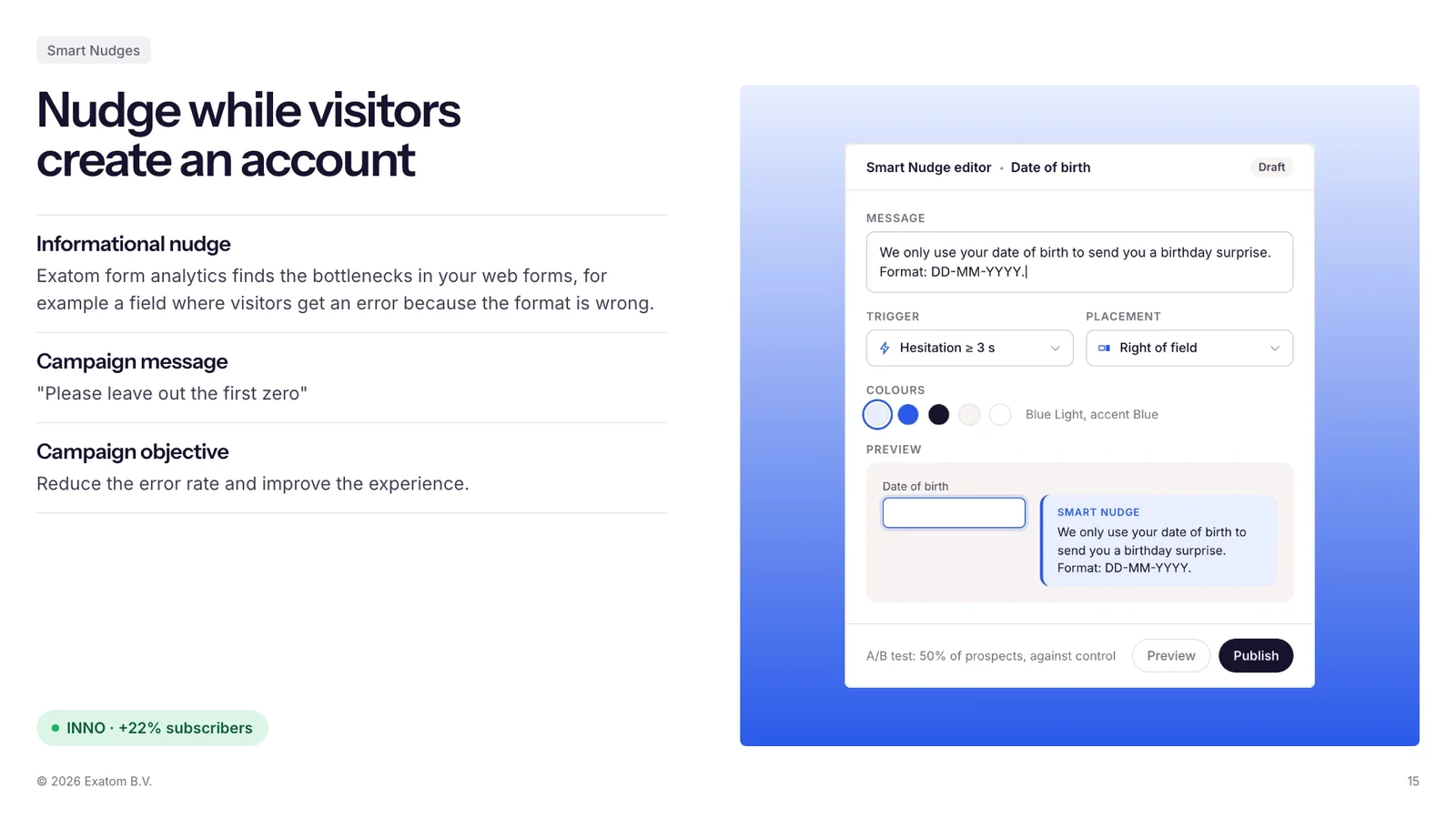
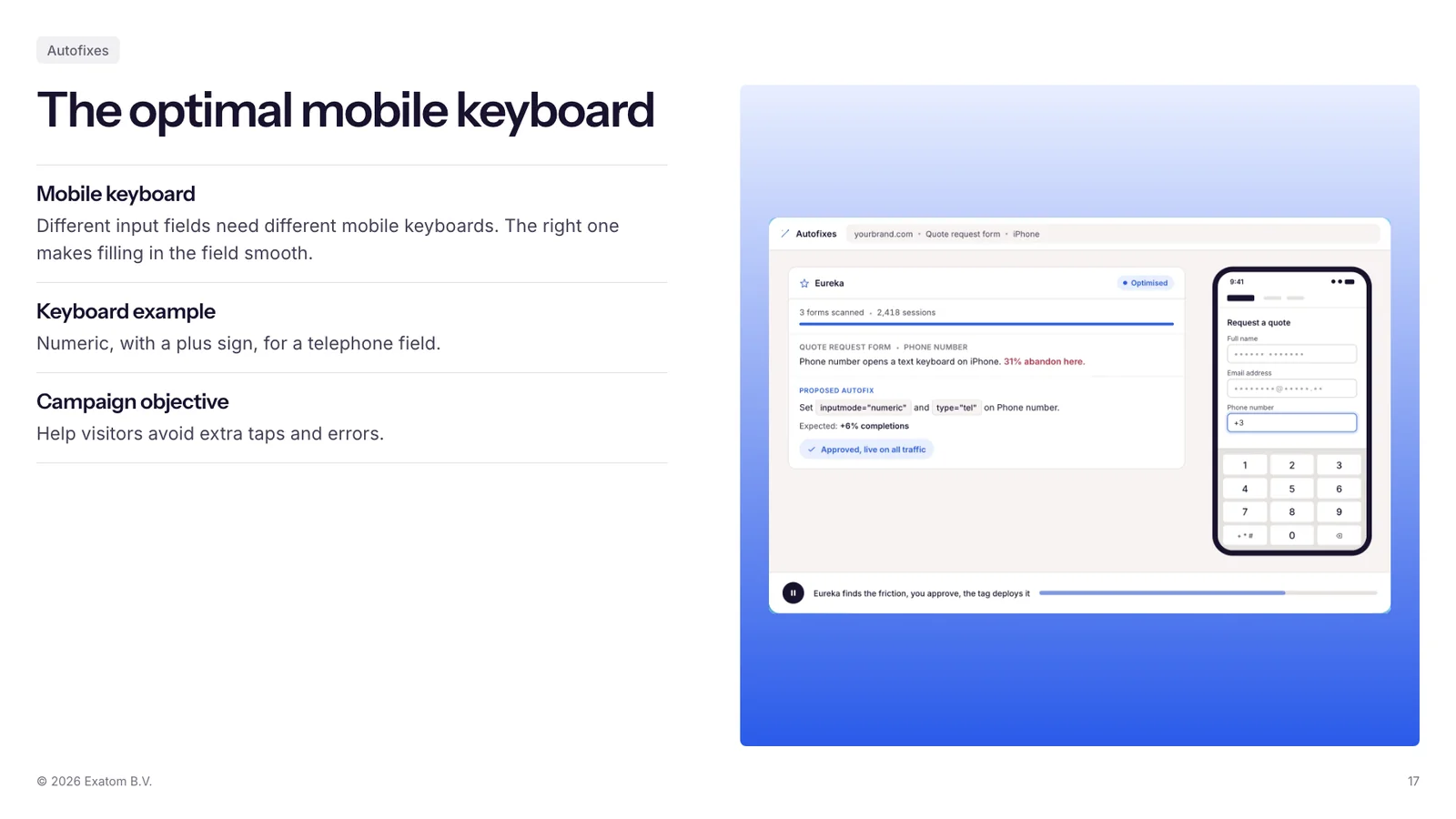
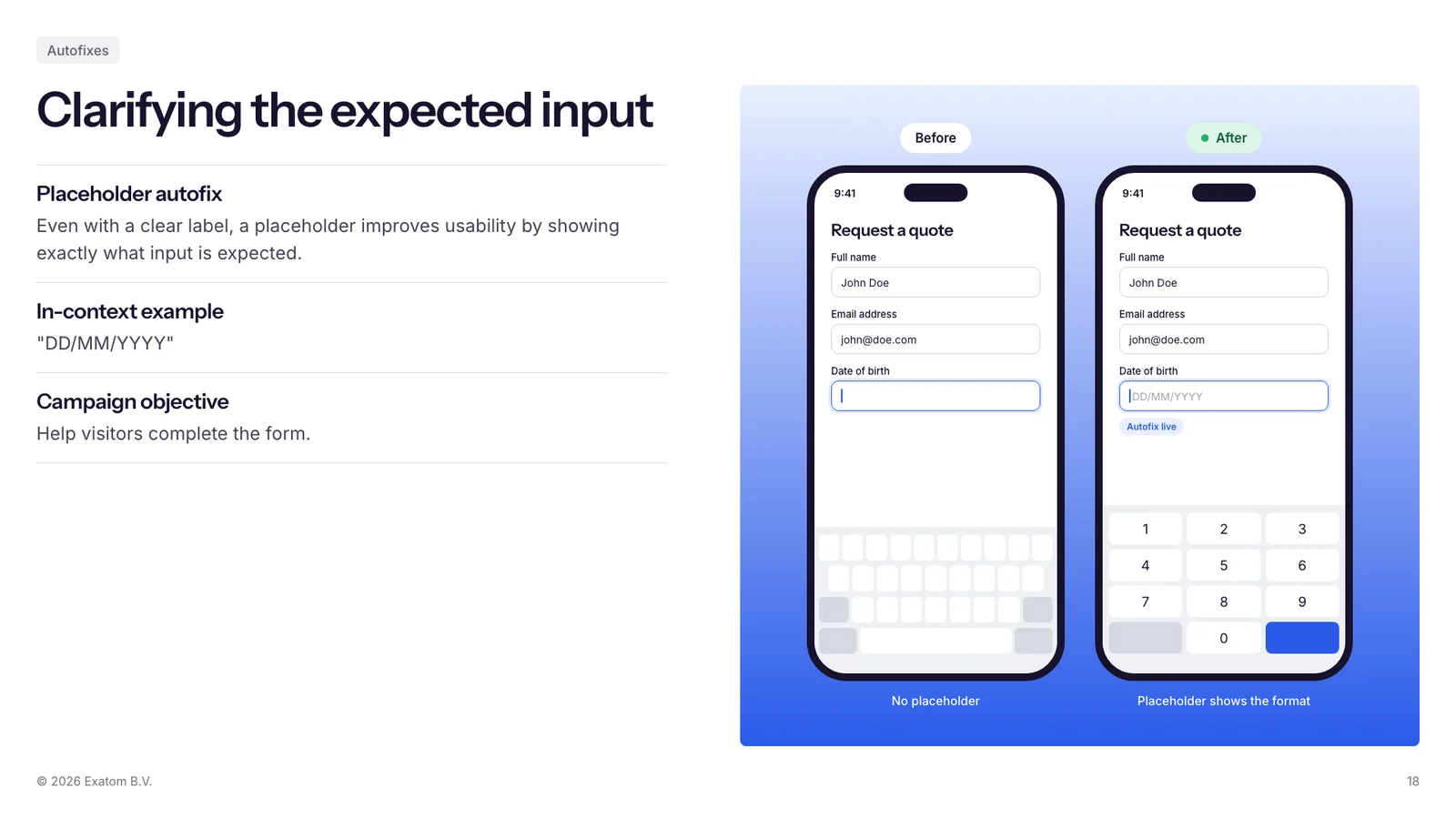
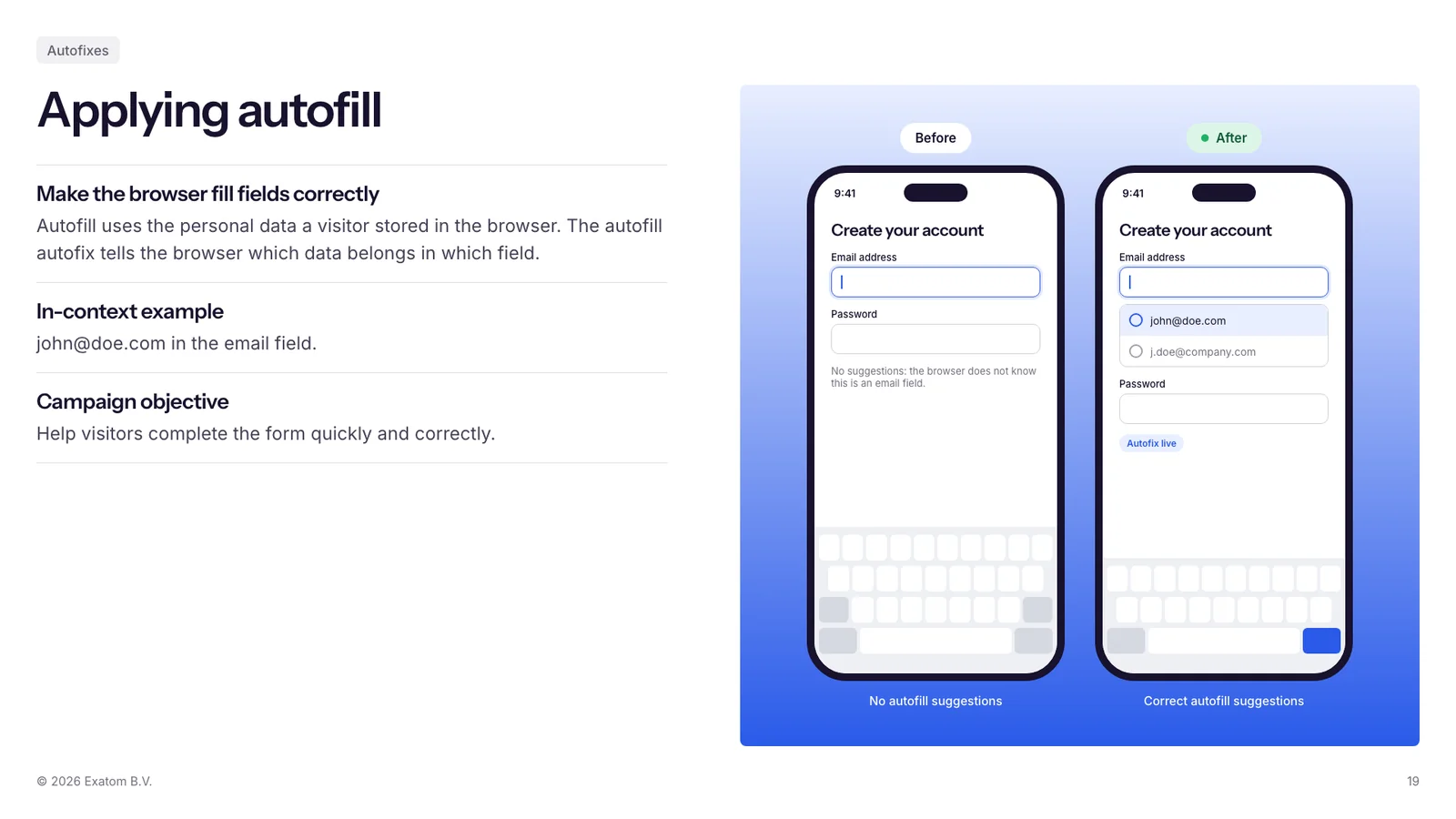
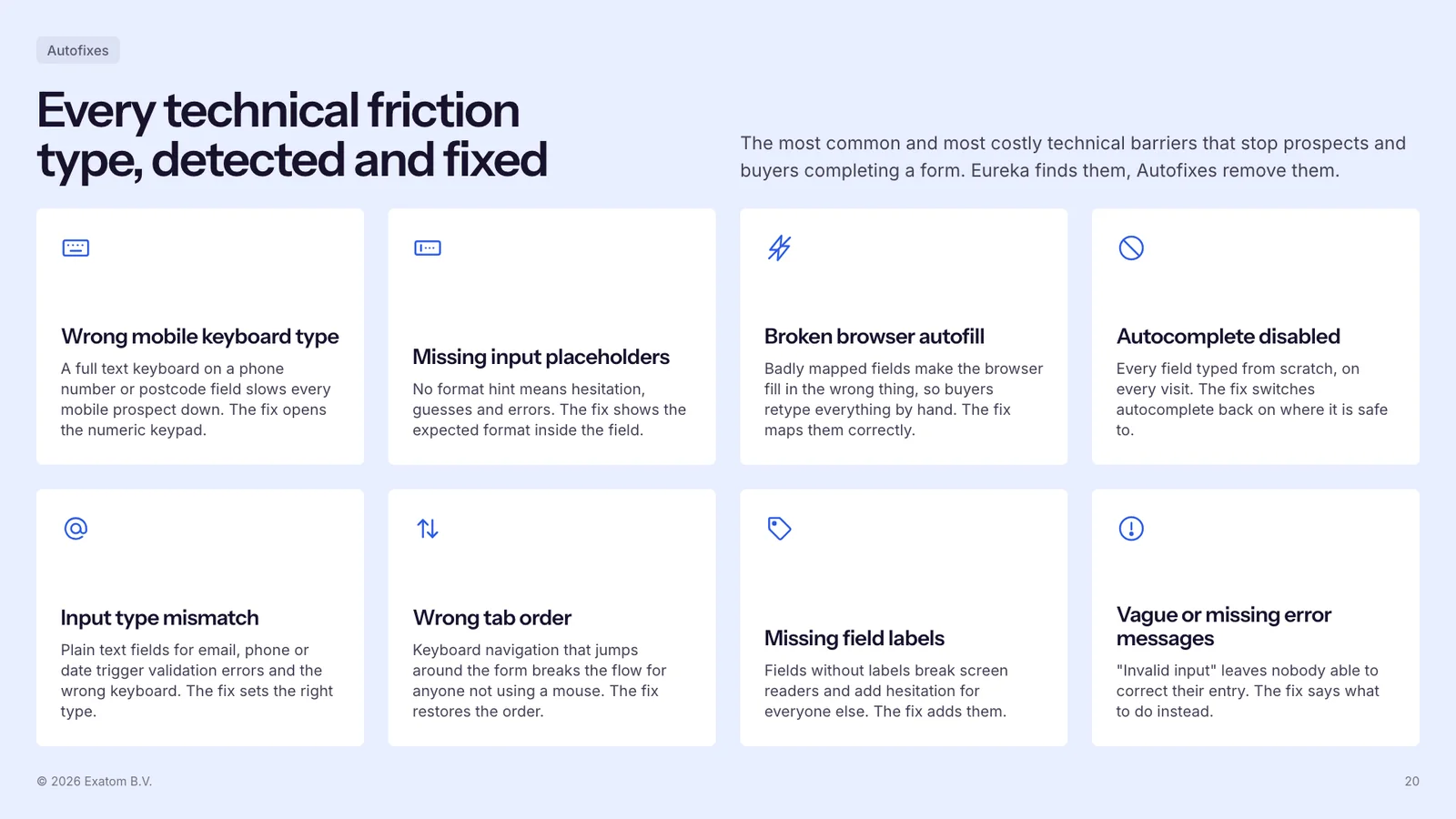
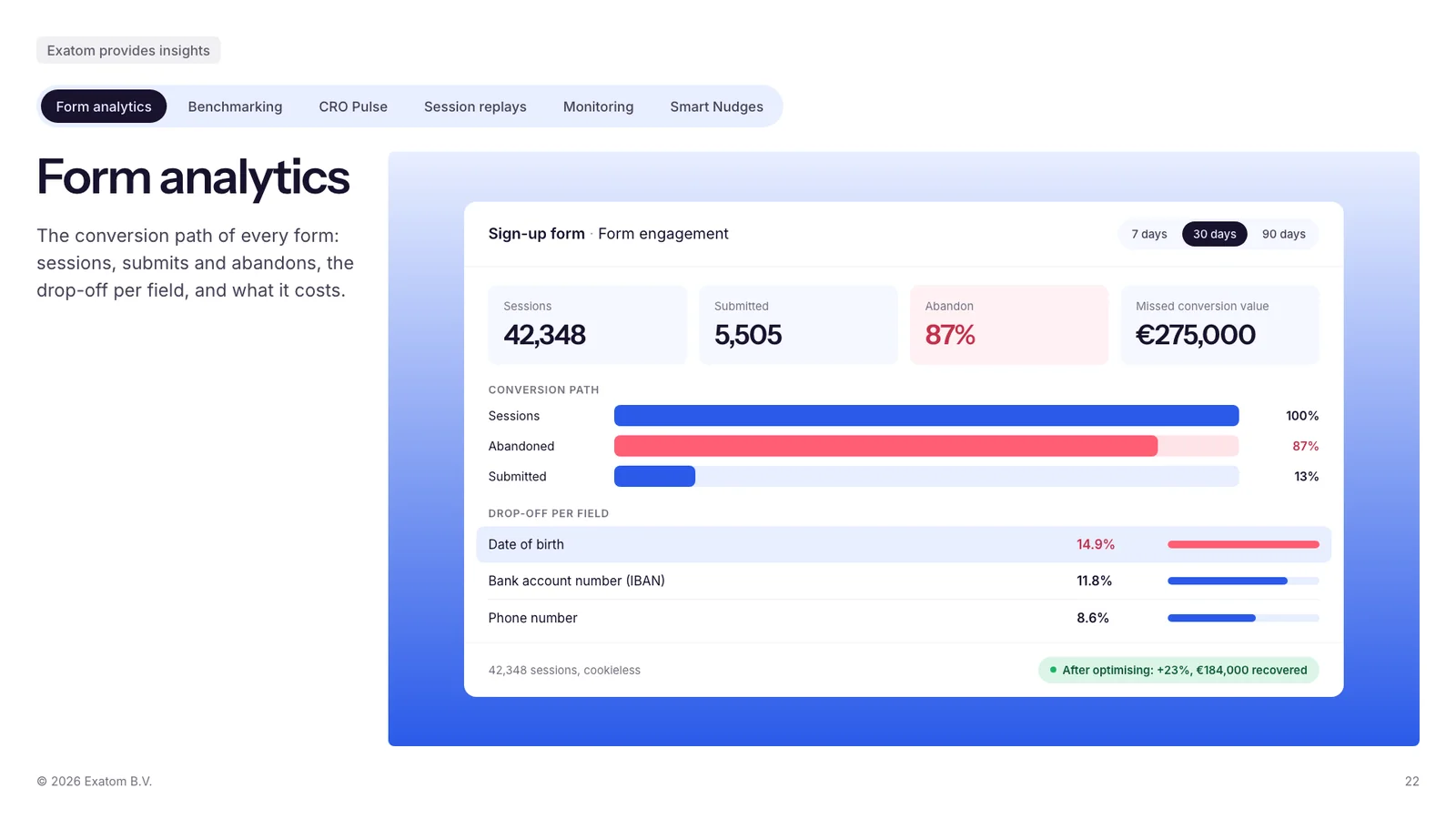
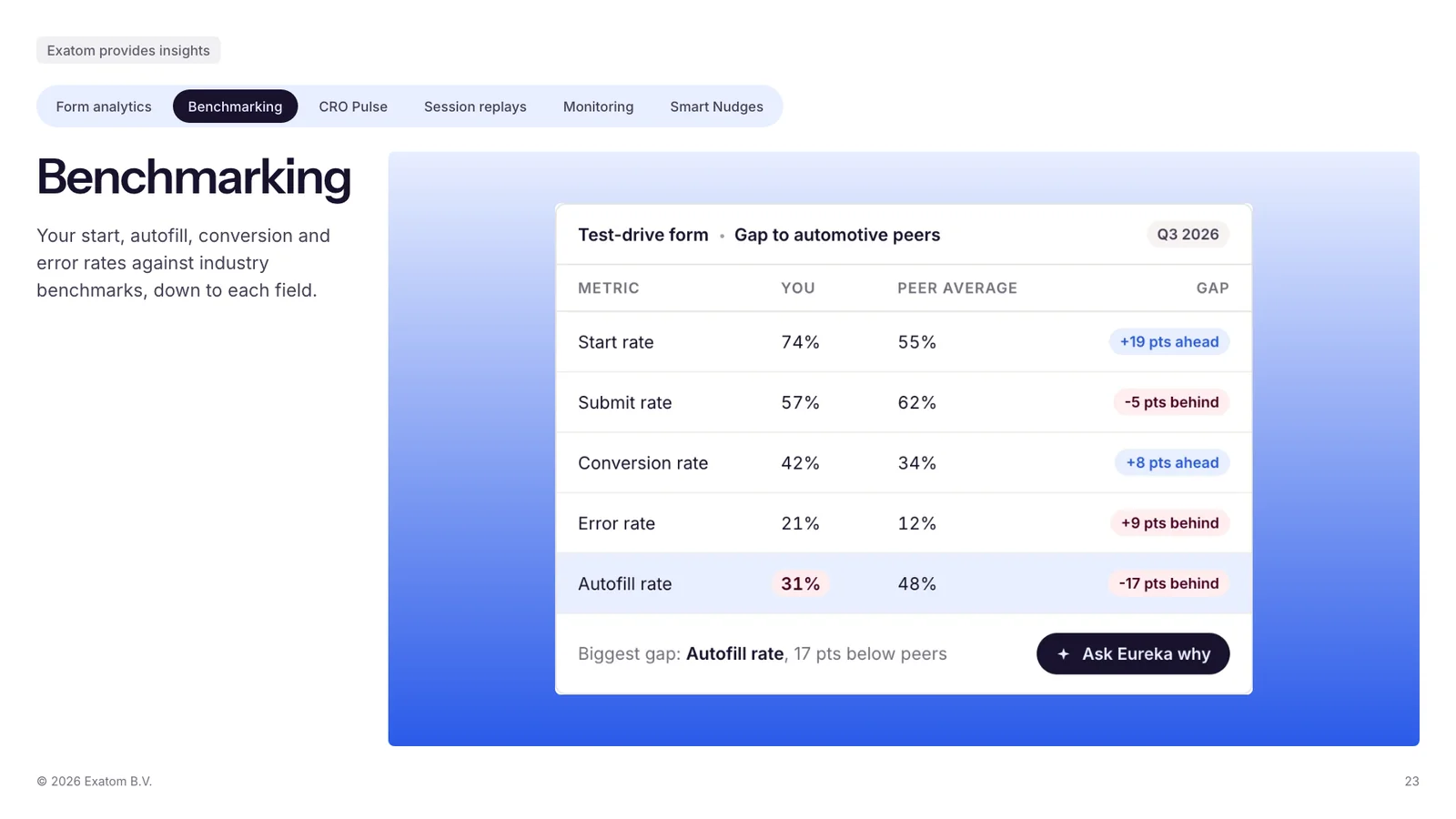
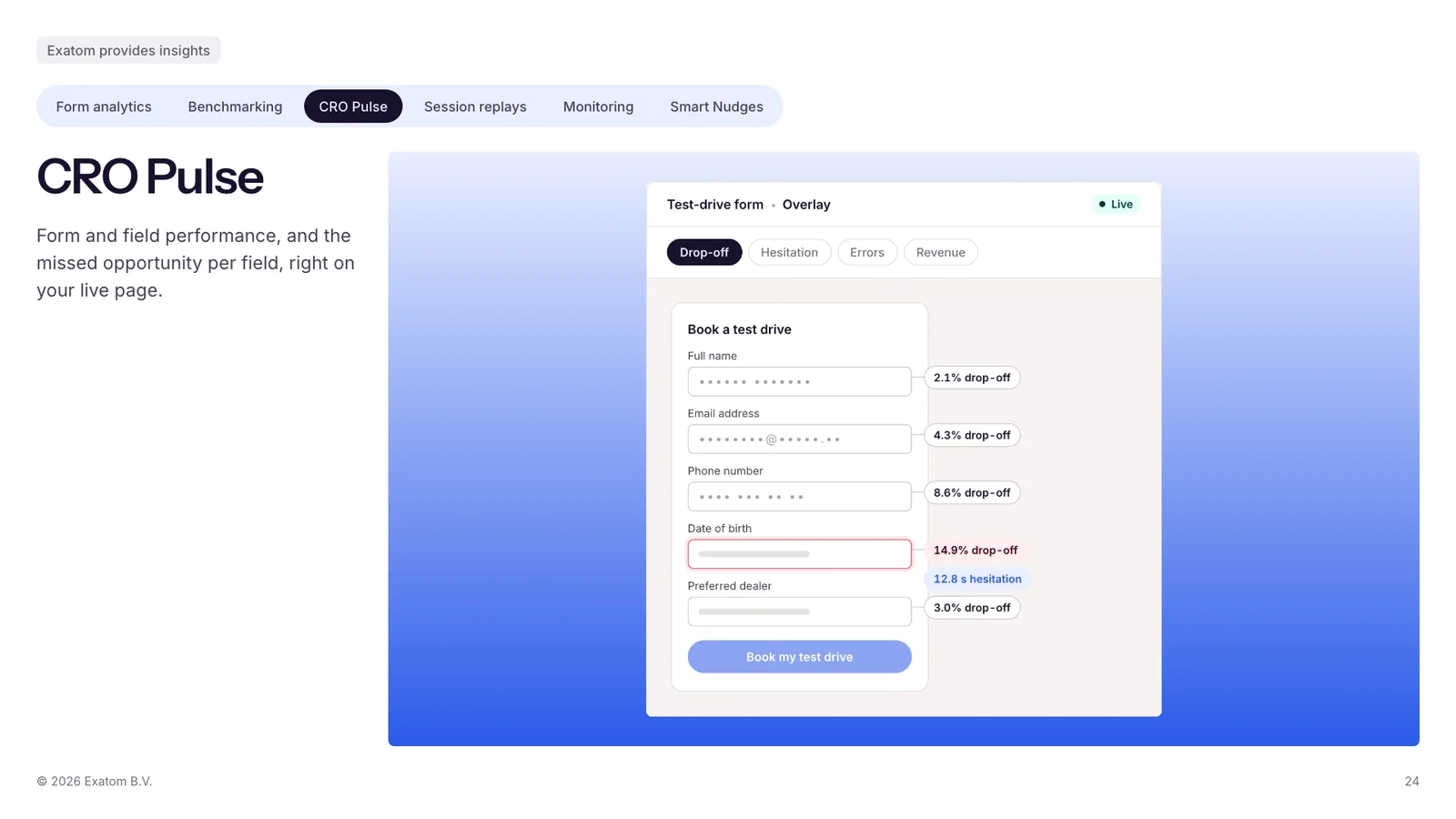
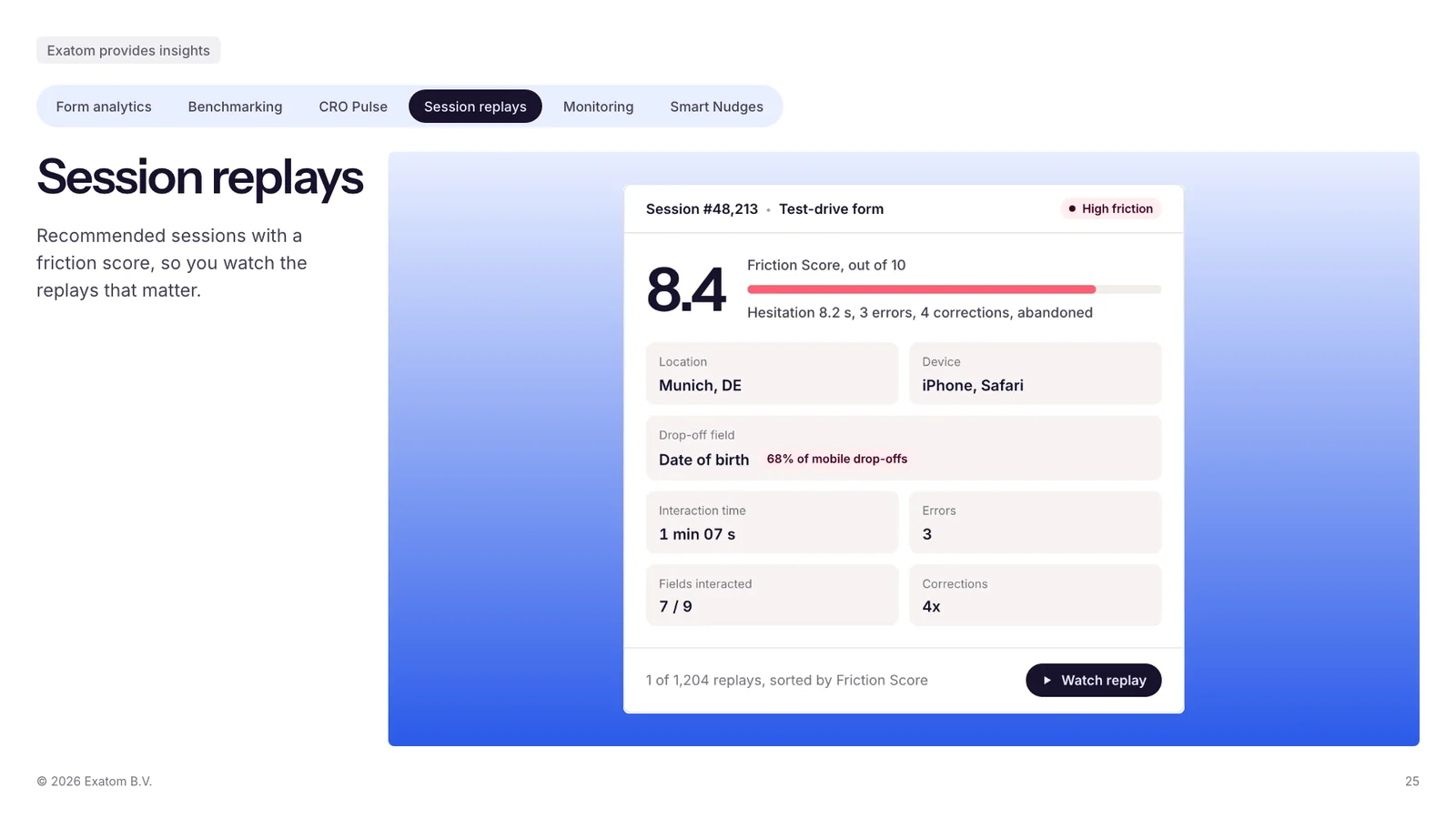
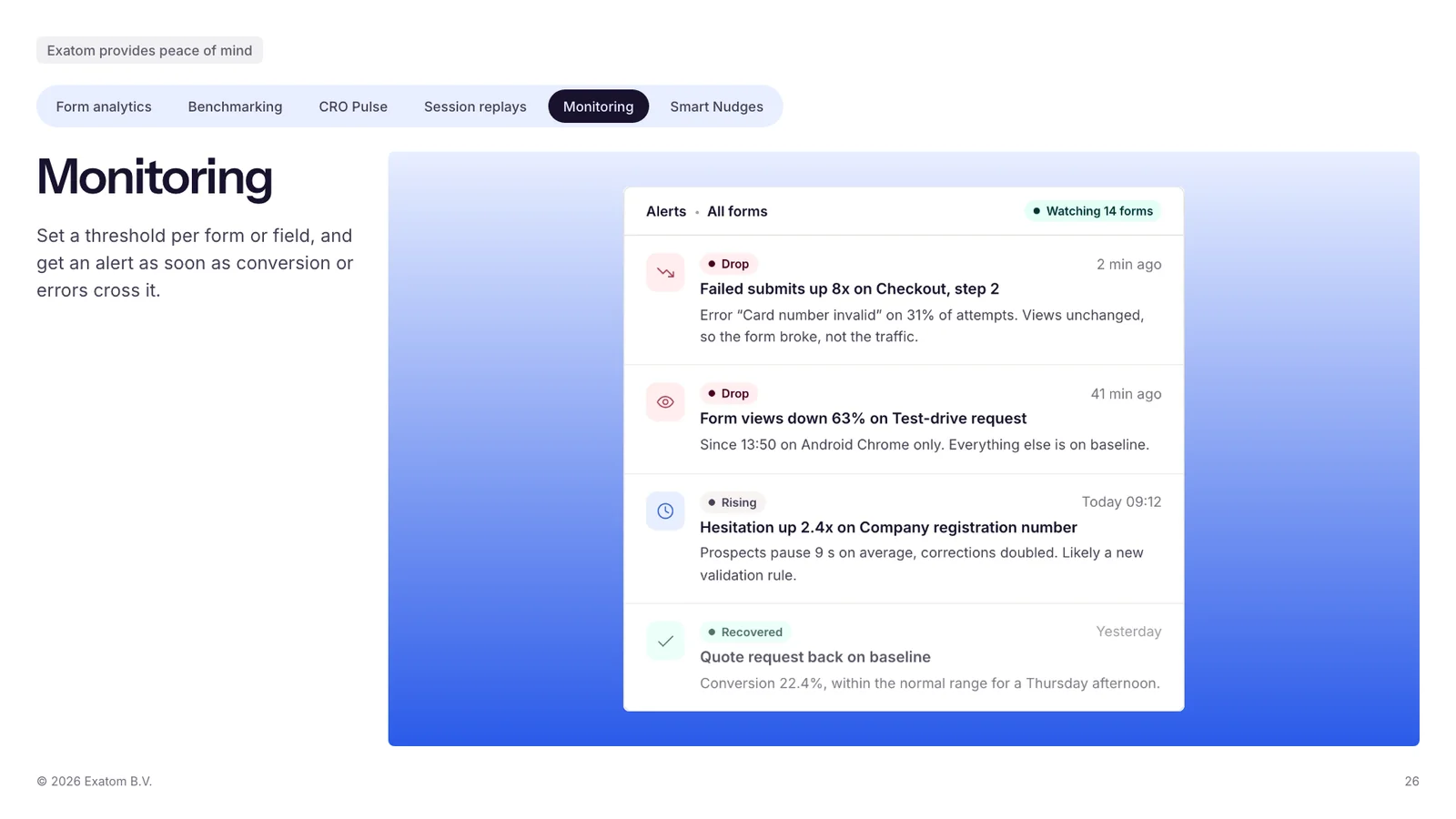
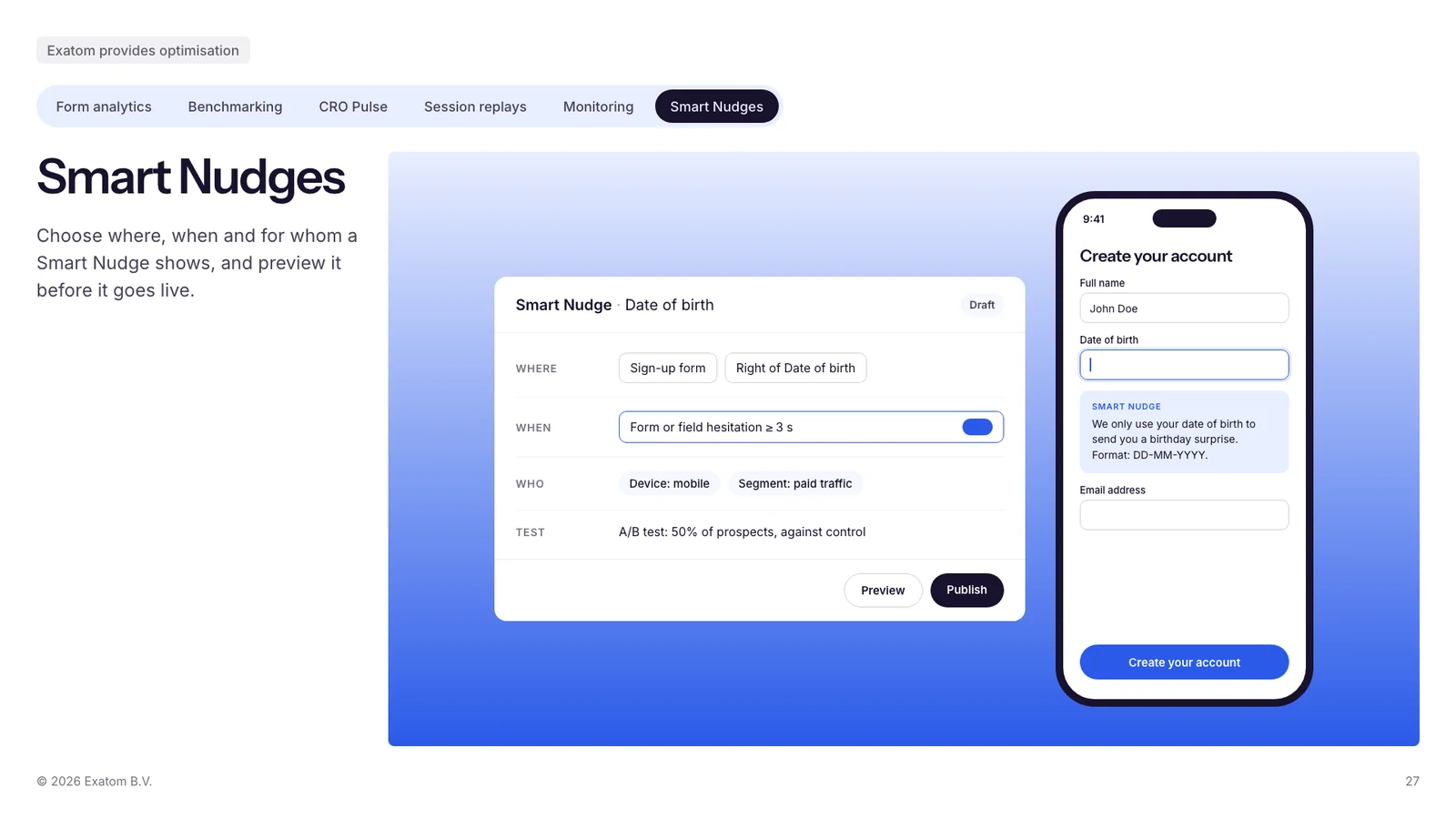
The Exatom sales deck, all 28 slides, built with these rules. Client logos are shown as placeholders here. Click a slide to open it full size, or Template to open the slide itself as HTML from the deck kit.




The rules at a glance
The short version. The file has the detail.